
Requirements & envelope
Space claim, mounting zones, operating bands and selected equipment define the configuration space.
Parametric product systems for aerospace
Turn propulsion systems, airborne equipment and precision components into browser-based 3D product systems. Teams explore valid variants while interfaces, assemblies and technical data remain connected.
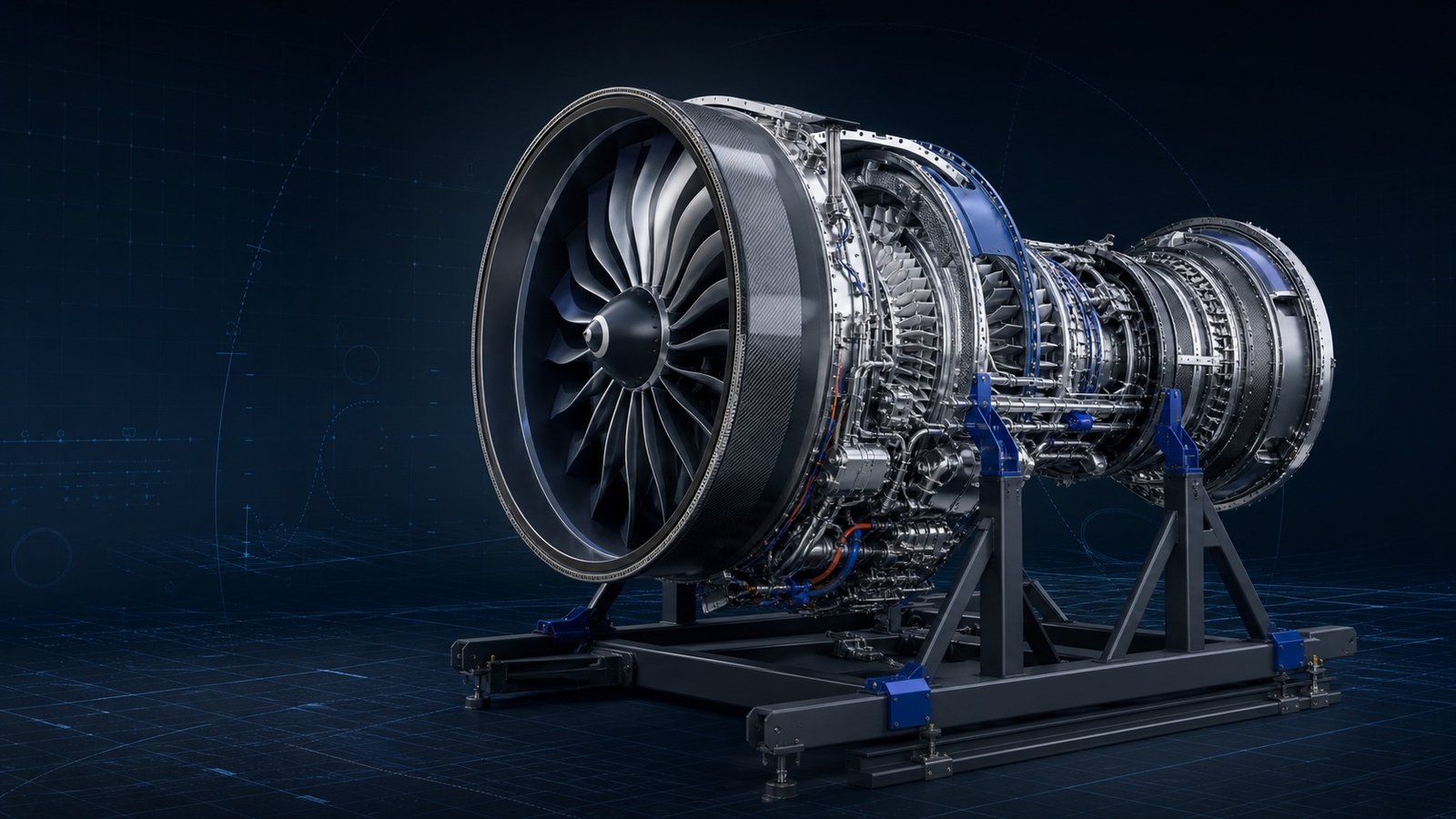
From requirements to a reviewable system
Aerospace enquiries arrive with interacting constraints: envelope, interfaces, mass, operating conditions and documentation. confBuild turns those dependencies into a guided 3D workflow without pretending to replace formal certification.
Mission context, envelope, mounting points, performance bands and equipment options become explicit inputs.
Dependencies keep modules, interfaces and selectable variants inside the product space your engineering team defines.
Reviewers receive a traceable 3D state with parameters, components and export-ready technical context.
Commercial and technical teams start from the same variant, with assumptions visible and downstream review clearly separated from automated configuration.
Recent confBuild projects
Current confBuild models demonstrate the range: a high-bypass turbofan on its maintenance stand, an aerospace APU generator and an EMI-shielded wire-harness clamp.
This could be your product ↗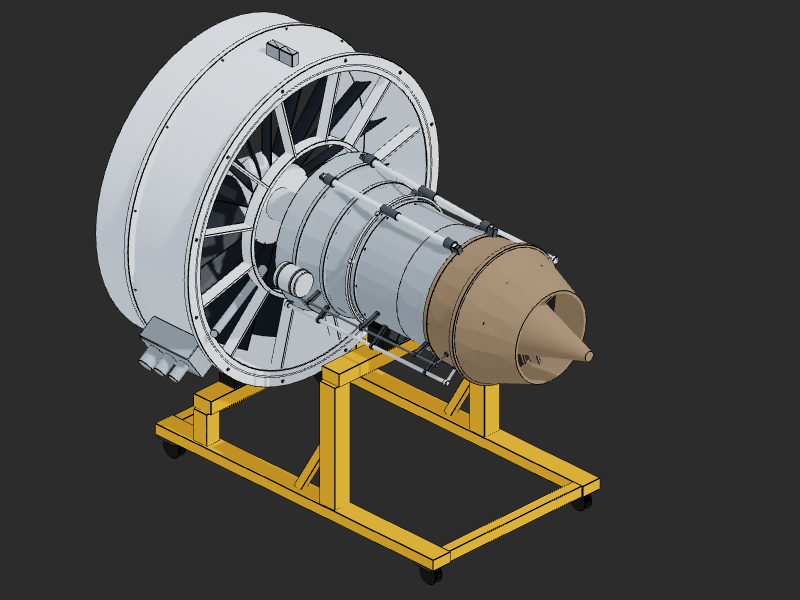
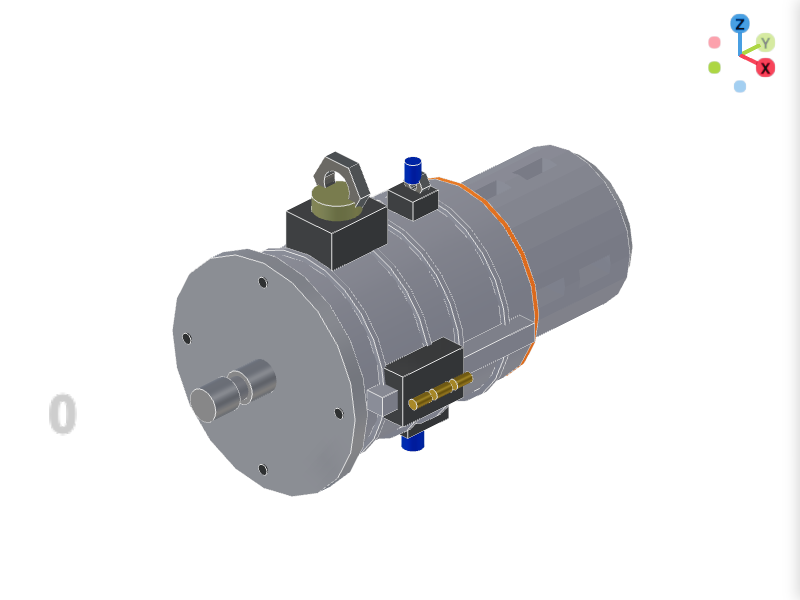
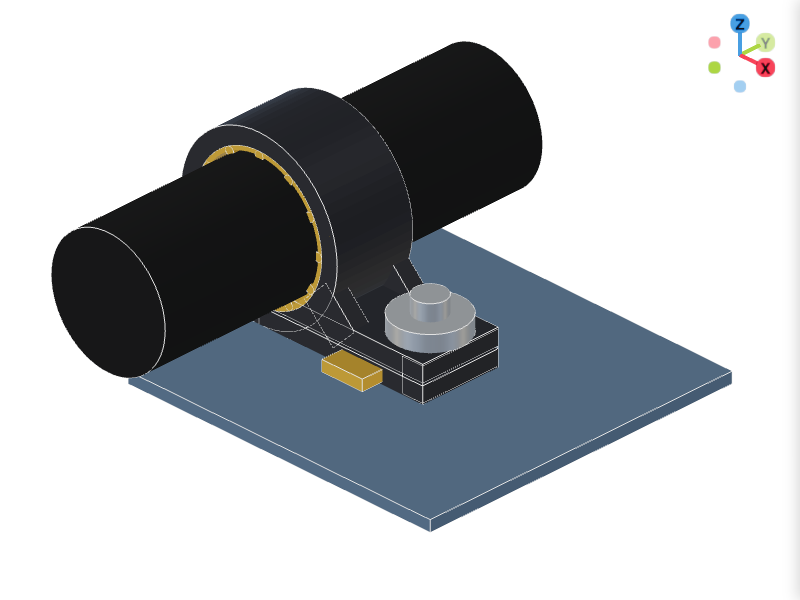
Engineering logic made usable
The configurator connects requirements, geometry, product rules and deliverables. A changed envelope or option updates dependent modules as one deterministic system.
Map my product system ↗Space claim, mounting zones, operating bands and selected equipment define the configuration space.
Compatibility, dependencies and company-specific limits control what can be selected together.
The CAD kernel regenerates connected geometry and subassemblies from the approved inputs.
Parameters, components and exports create a traceable basis for quotation and formal engineering review.
Space claim, mounting zones, operating bands and selected equipment define the configuration space.
Compatibility, dependencies and company-specific limits control what can be selected together.
The CAD kernel regenerates connected geometry and subassemblies from the approved inputs.
Parameters, components and exports create a traceable basis for quotation and formal engineering review.
A shared technical state for every conversation
Customers, sales and engineering review the same configured system. Product rules automate repeatable decisions; accountable engineering approval remains explicit.
Powered by the confBuild CAD kernel
The confBuild CAD kernel regenerates deterministic geometry from parameters and rules. It supports repeatable configuration and technical communication; certification, airworthiness approval and safety sign-off remain with the responsible organization.
Experience the CAD kernel →The same parameters reliably produce the same geometry—reproducible instead of merely similar.
Parts and accessories remain connected through clear dependencies and product rules.
Structured parameters and component data can feed enquiries, BOMs and subsequent workflows.
Interactive in the web browser—without local CAD installation and directly in your sales experience.
More than a beautiful 3D view
Bring product knowledge into a controlled visual workflow while keeping the boundary between automated configuration and accountable aerospace engineering clear.
Check the potential for my range →Stakeholders inspect modules and dependencies in an interactive assembly instead of interpreting isolated drawings.
Mounts, clearances, option dependencies and company-specific limits are encoded in the selectable product space.
A defined variant shortens clarification loops before detailed design, compliance and certification activities.
Parameters and component structures can feed BOMs, STEP exports, quotations and controlled downstream workflows.
Focused remote pilot
Start with one recurring system, equipment family or support product whose configuration logic is understood.
Map inputs, dependencies, assemblies, outputs and the explicit boundary to formal verification.
Launch a secure pilot, compare it with real review cases and expand only after the model proves useful.
Aerospace configuration without the spreadsheet relay
In a focused call we identify a bounded pilot with useful technical outputs and a clear validation boundary.
Contact
Briefly describe your product or assembly – you will get a reply within one business day.
Prefer plain email? daniel@confbuild.com
Prefer to talk? Book a 30-minute call →
A service by confbuild.com – parametric 3D configurators for your product.
Book a call
Choose a free 30-minute slot. You get a calendar invitation right away – no sign-up, no back and forth.
Prefer to write? Go to the contact form
Loading available times …
Please pick a day first.
The calendar invitation is on its way to your inbox. It also contains a link to cancel the appointment.